 Logbook
Know where the time went.
Effortless interstitial journaling.

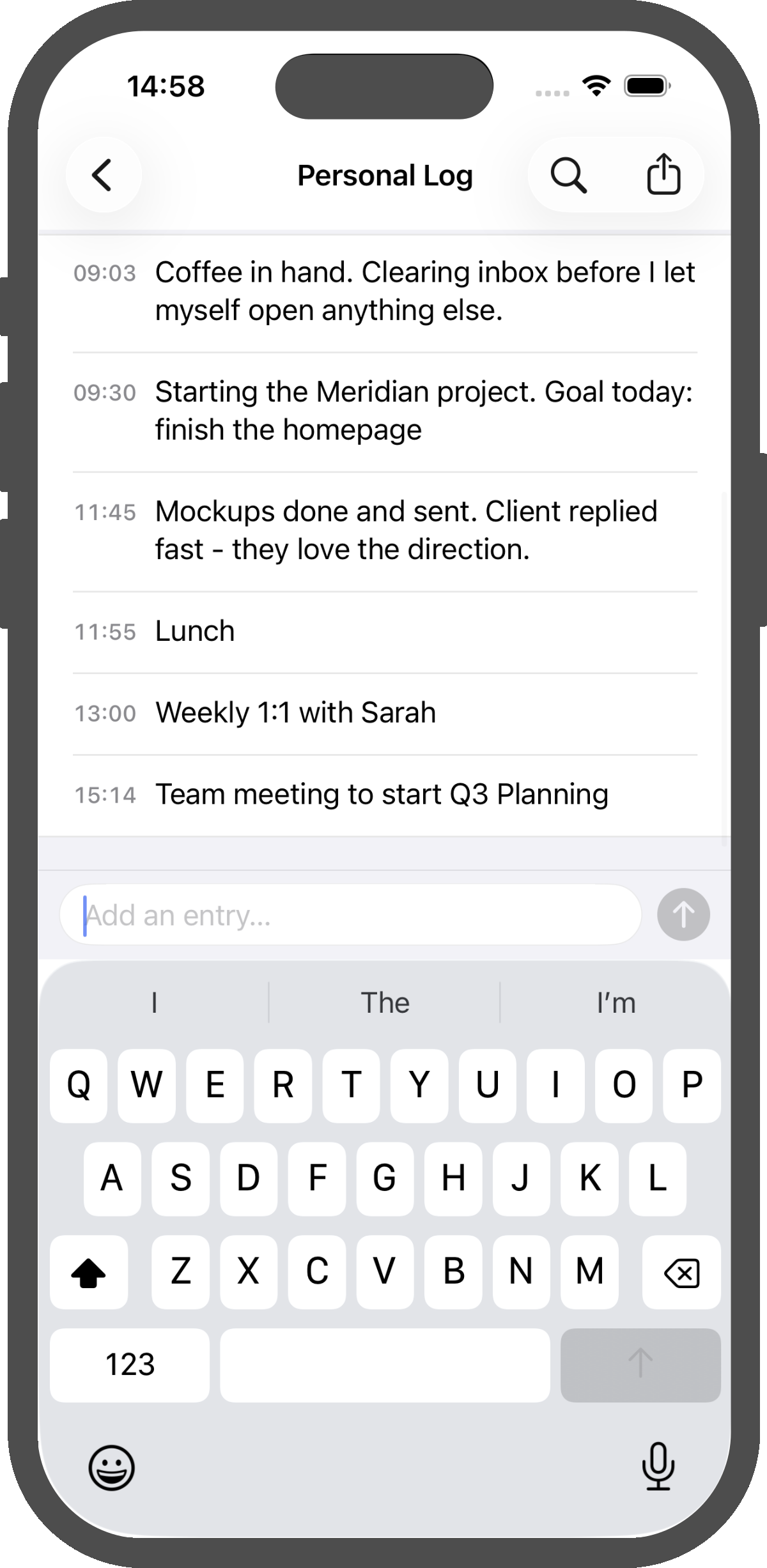
What is interstitial journaling?
Interstitial journaling is the simple habit of writing a short, timestamped note in the gaps between tasks — what you just finished, what you're about to start, and the stray thoughts in between. Practitioners use it to regain focus after interruptions, reduce the cost of context switching, and end the day with a clear record of where the time actually went.
Logbook is built for that rhythm. Open it, type a line, get back to work. The timestamps take care of themselves.
A natural fit for the way you already work
- Bookending tasks — what you're starting, what you just finished
- Regaining focus after a Slack ping or interruption
- End-of-day review and tomorrow's first move
- Task-switching for ADHD and deep-work brains
- Meeting notes and standup records as they happen
- On-call incident logs and client call notes
- Long-term investigations and workout logs
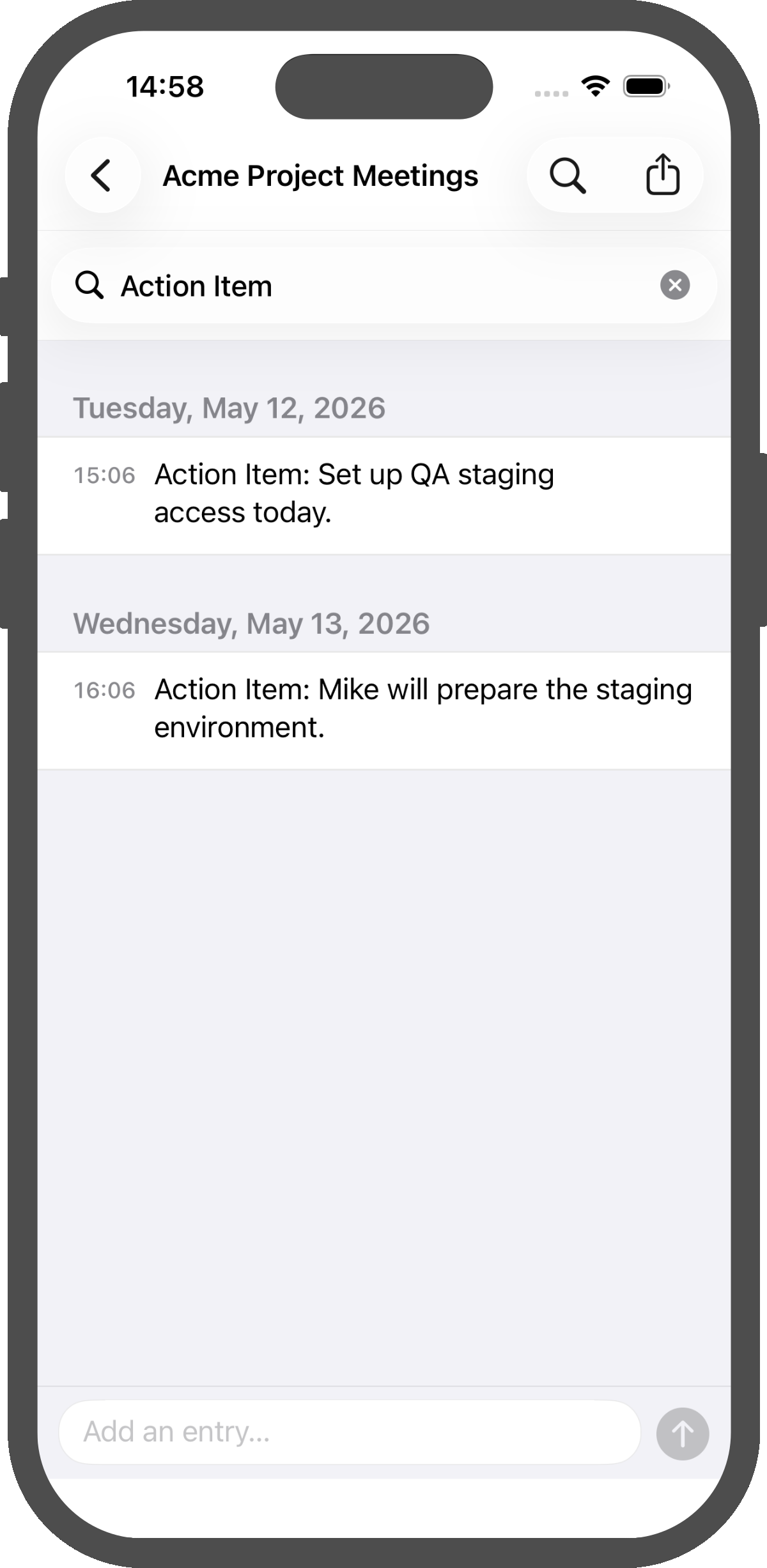
Find any moment, fast
Filter your day for action items, people, and topics. The journal you actually go back and read.
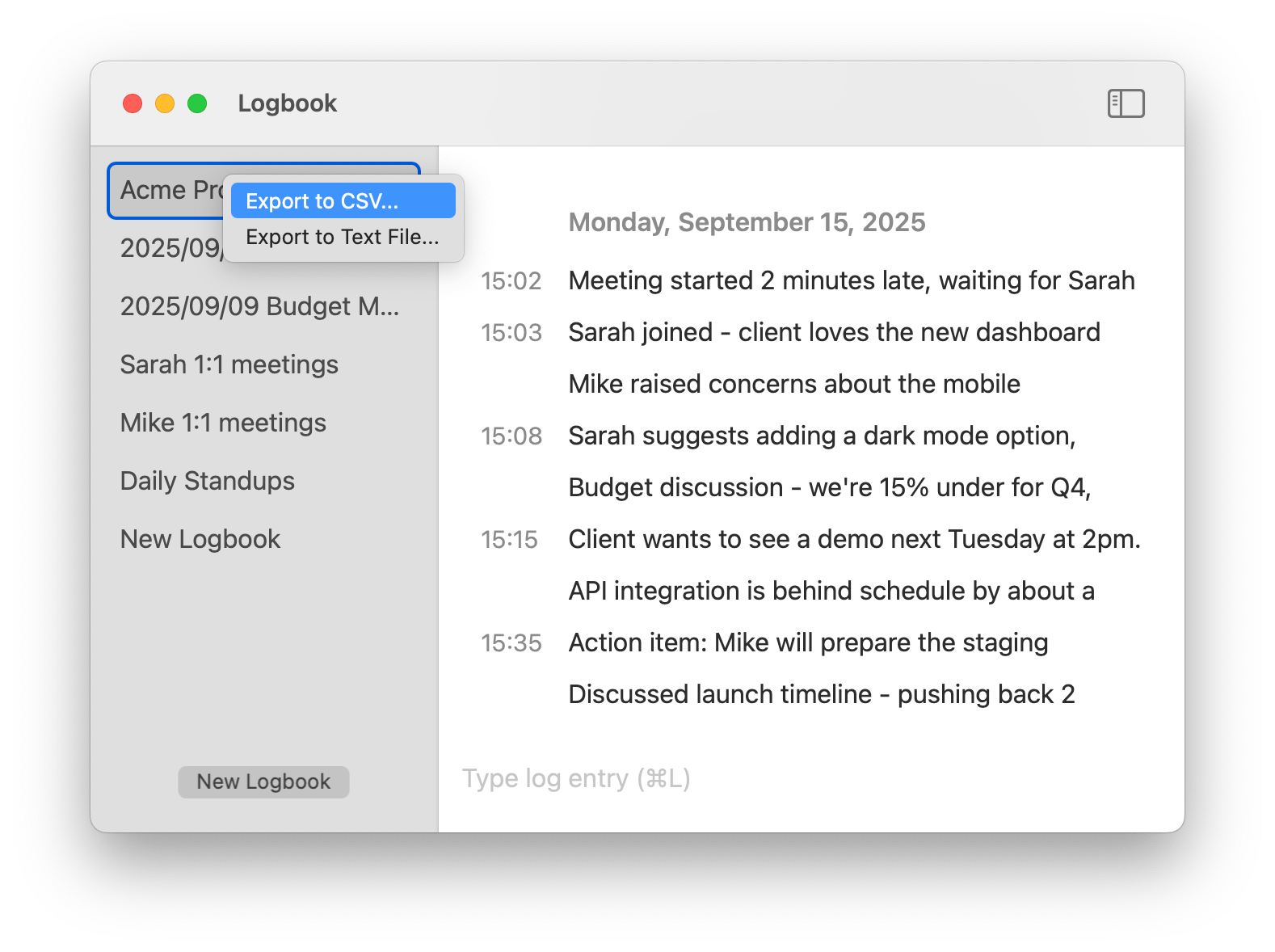
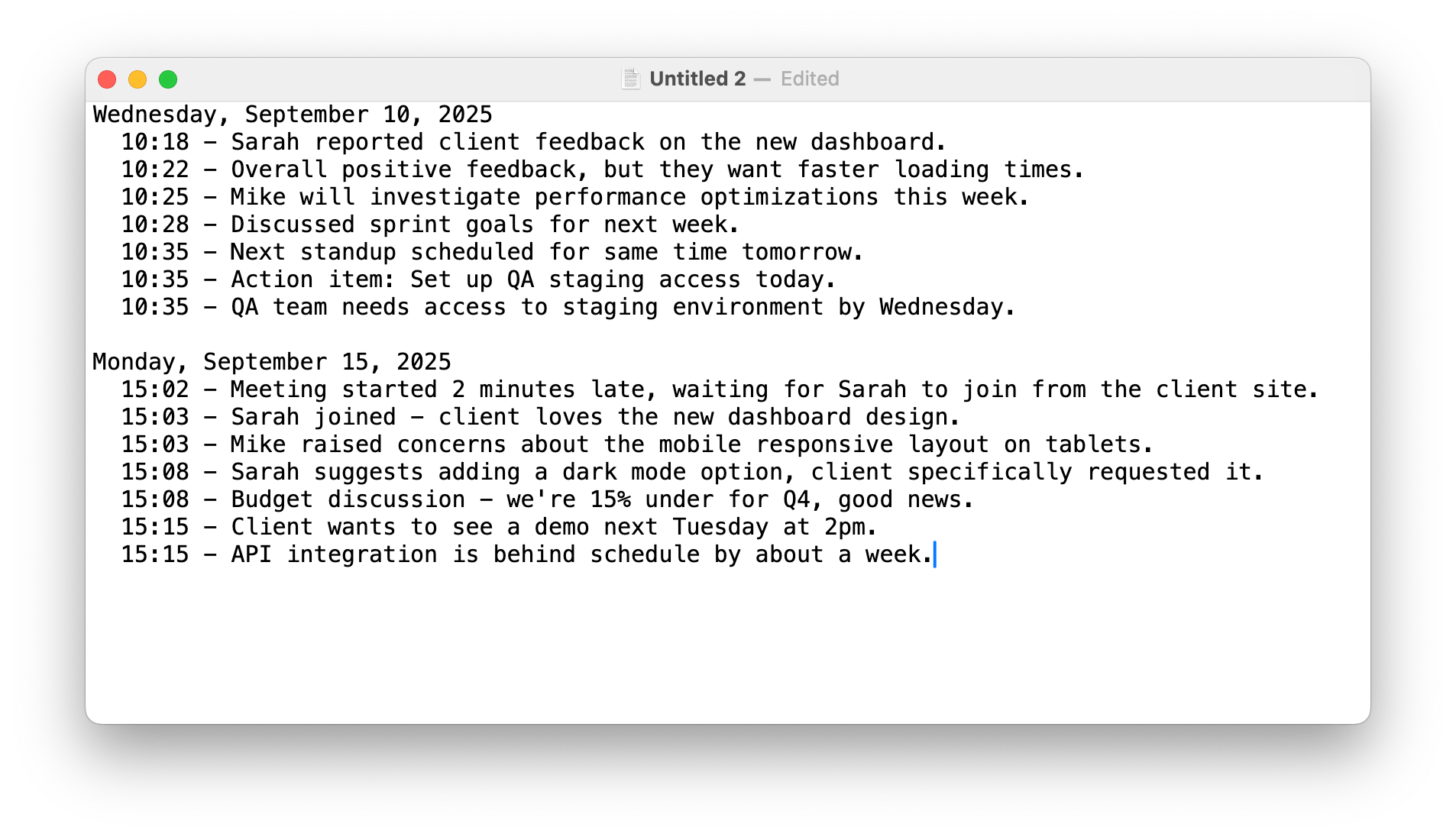
Export to CSV or text
Roll your day up into a status update, hand off a shift, or pipe entries into the tools you already use.
Quick copyMac only
Grab a stretch of entries and paste them into a standup, a PR description, or an email — timestamps and all.
Features
- Timestamped Notes — Every entry is automatically stamped with the exact time you wrote it. Perfect for the "what I just did / what I'm about to do" rhythm of interstitial journaling.
- Organized Logbooks — Keep different threads of your life separate. Work, side projects, training, personal — each gets its own space.
- Instant Search — Real-time search across the current logbook. Find what you wrote about that bug, that meeting, that idea.
- iCloud Sync — Your logbooks follow you across iPhone, iPad, and Mac through iCloud. Start a thought on one device, finish it on another.
- Privacy — Your data stays in your iCloud account. We never see your notes, don't track usage, and don't collect analytics.
- Easy Export — Export to CSV or text for backups, weekly reviews, or pulling your day into another tool.
- Keyboard Friendly — Open the app, type a line, get back to work. Shortcuts for everything — no mouse required.
- Distraction-Free — A clean, minimal interface that gets out of the way. Just you, a timestamp, and a line of text.